Is my key not working? #
- It might be expired. Check your remaining license duration on your panel profile.
- Make sure you copy and paste the exact credentials (Username, Password, License Key) from the website without leading or trailing spaces.
Example of RXMENU Key Credentials:

- Have you recently changed hardware components or reset your PC? If so, your HWID hash has changed. You must open a ticket on Discord support to request an HWID reset.
The loader closes! #
- SmartScreen / Antivirus blocks the file: Click More info → Run anyway or whitelist the executable.
- Restore the file in protection history: Open Windows Security → Virus & threat protection → Protection history, locate the blocked loader, and choose Restore / Allow on device.
Key #
- Close the Loader: Press CTRL + F9
- Open / Toggle the Loader Menu: Press INSERT
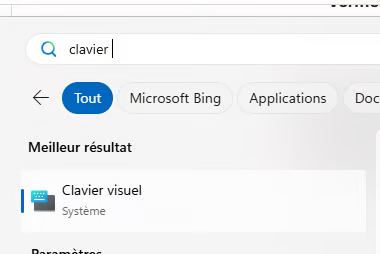
- On-Screen Keyboard: If you experience keyboard keybind conflicts or your keyboard lacks an INSERT key (60%, 65%, 75% or TKL keyboards), open the Windows On-Screen Keyboard (Clavier visuel):
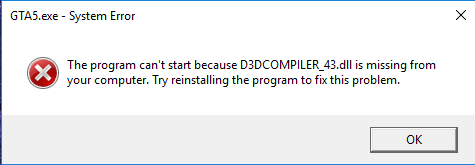
Missing D3D_decompiler.dll or other? #
If you receive a missing DirectX DLL error (such as D3DCOMPILER_43.dll), install the official Microsoft runtime package below: