Download 👍 #
Download the mobile setup script:
Cannot Access the URL? #
If you encounter the error "This site can't be reached - ERR_CONNECTION_REFUSED" on your phone browser:
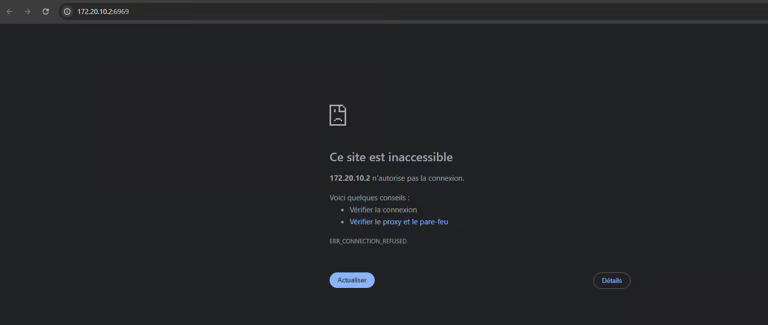
Run the .bat file to resolve the issue!
Enable in Loader #
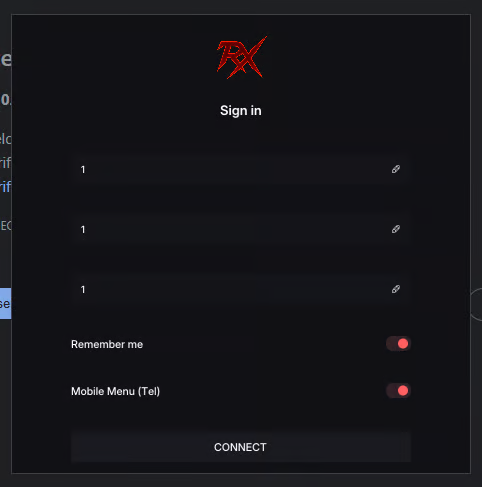
You must check Mobile Menu (Tel) when signing into the loader:
Configuration via mobile.bat #
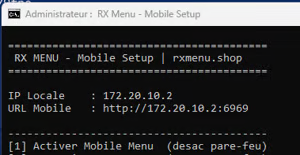
Once checked, run mobile.bat as administrator:
- The script will display your Local IP and the Mobile URL (e.g.,
http://172.20.10.2:6969). - If you have the error: press
1in the terminal to Enable Mobile Menu (disable firewall) and allow the local port through Windows Firewall.
Connect from Your Phone #
Once checked, open the URL provided by the .bat script to verify the connection.
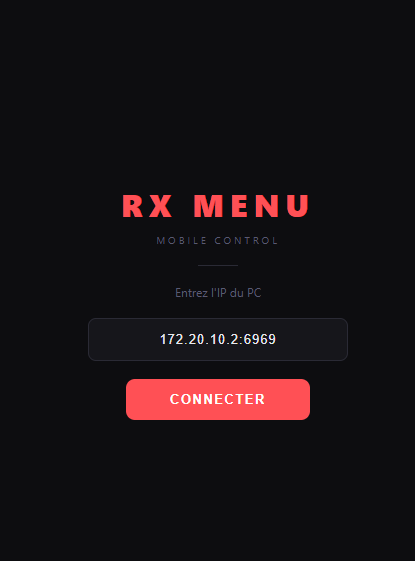
On your phone browser, open the displayed address (example: http://172.20.10.2:6969), or use the RX MENU Mobile Control web interface:
Enter the address in the field: 172.20.10.2:6969 (the exact URL is shown in your .bat window, this is only an example!) and tap CONNECT: